

Fastest Free VPN with Secure Encryption
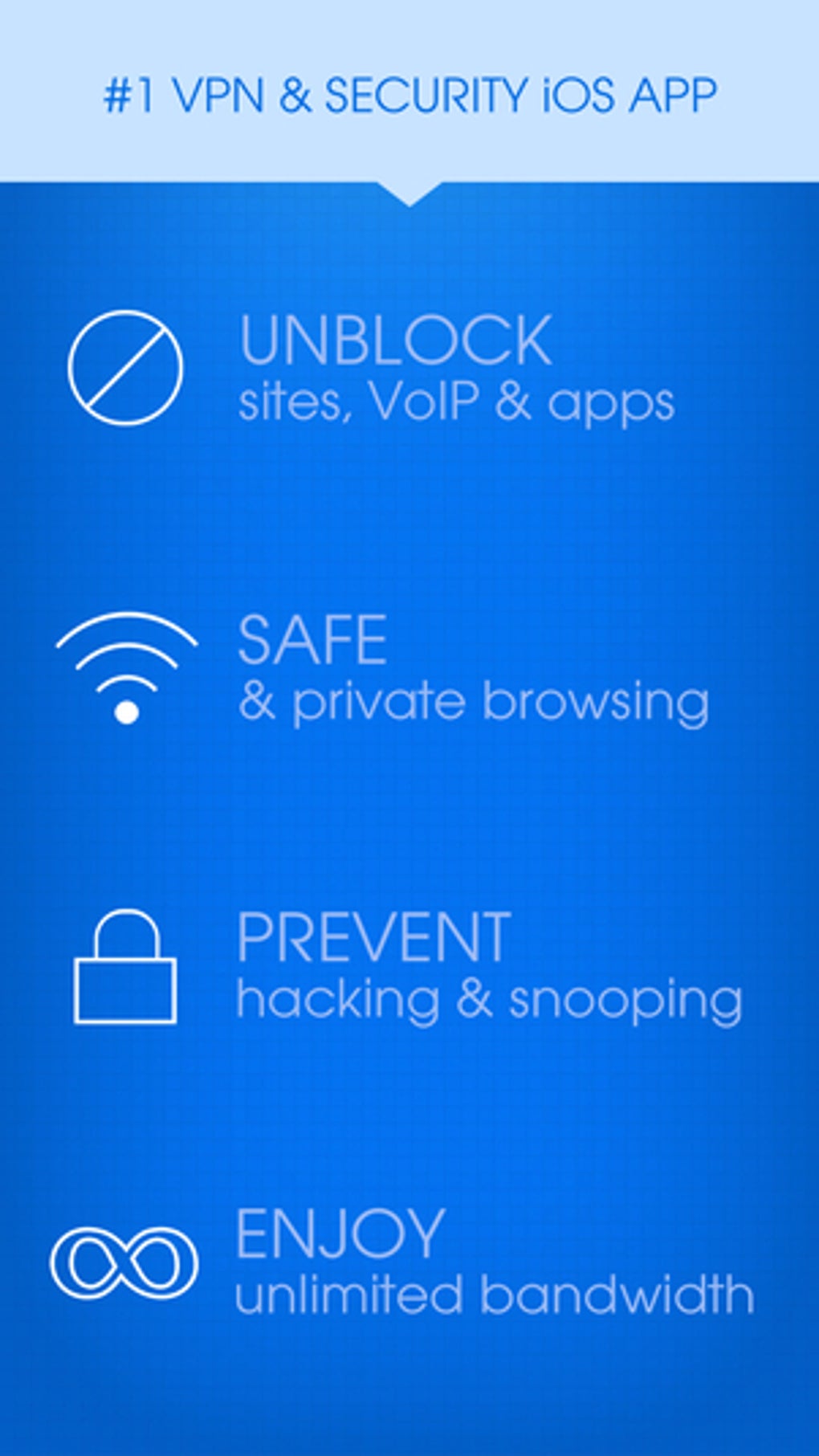
HotspotShield VPN Wifi Proxy is a desktop and multi-platform application designed to deliver rapid, encrypted connections for users seeking privacy and unrestricted access to online content. The software functions as a virtual private network (VPN) and proxy service, enabling users to mask their IP address and secure data transmission across public Wi-Fi networks. It is particularly useful for individuals concerned about online surveillance, censorship, or geo-restricted content access. The tool is suitable for casual internet users, travelers, remote workers, and those who value speed and ease of use in a free security solution. While the developer, Anchorfree, has not provided extensive details about its background, the software operates under a freemium model with a free tier and premium upgrades. Real-world usage scenarios include bypassing regional content blocks on streaming platforms, protecting sensitive data on public networks, and enhancing online anonymity for general browsing. The application supports multiple operating systems and integrates with web browsers, making it accessible across a variety of devices.
Key Features & Capabilities
- Proprietary Catapult Hydra Protocol – A high-speed tunneling protocol based on TLS 1.2, optimized for minimal latency and fast connection speeds. This protocol enables rapid data transfer, ideal for streaming and downloading.
- AES-256 and AES-128 Encryption – Military-grade encryption standards ensure data confidentiality during transmission, protecting user activity from interception on unsecured networks.
- Kill Switch Feature – Automatically disconnects internet access if the VPN connection drops, preventing IP and DNS leaks and maintaining privacy during interruptions.
- Server Network Access – Offers access to a global network of servers, with physical and virtual locations across over 80 countries and 35 cities, though free users are limited to U.S.-based servers.
- Streaming and Torrenting Support – Premium plans allow access to major streaming libraries including Netflix, Disney+, Amazon Prime Video, BBC iPlayer, and more. P2P support is available on all servers, though bandwidth is restricted on the free version.
These features support real-world use cases such as securely accessing work resources from public Wi-Fi, streaming international content, and downloading files via torrenting. The Hydra protocol’s focus on speed makes it ideal for users who prioritize performance over open-source transparency. The kill switch enhances reliability during unstable connections, while the encryption layer safeguards sensitive data during online transactions or communication.
User Interface, Workflow & Performance
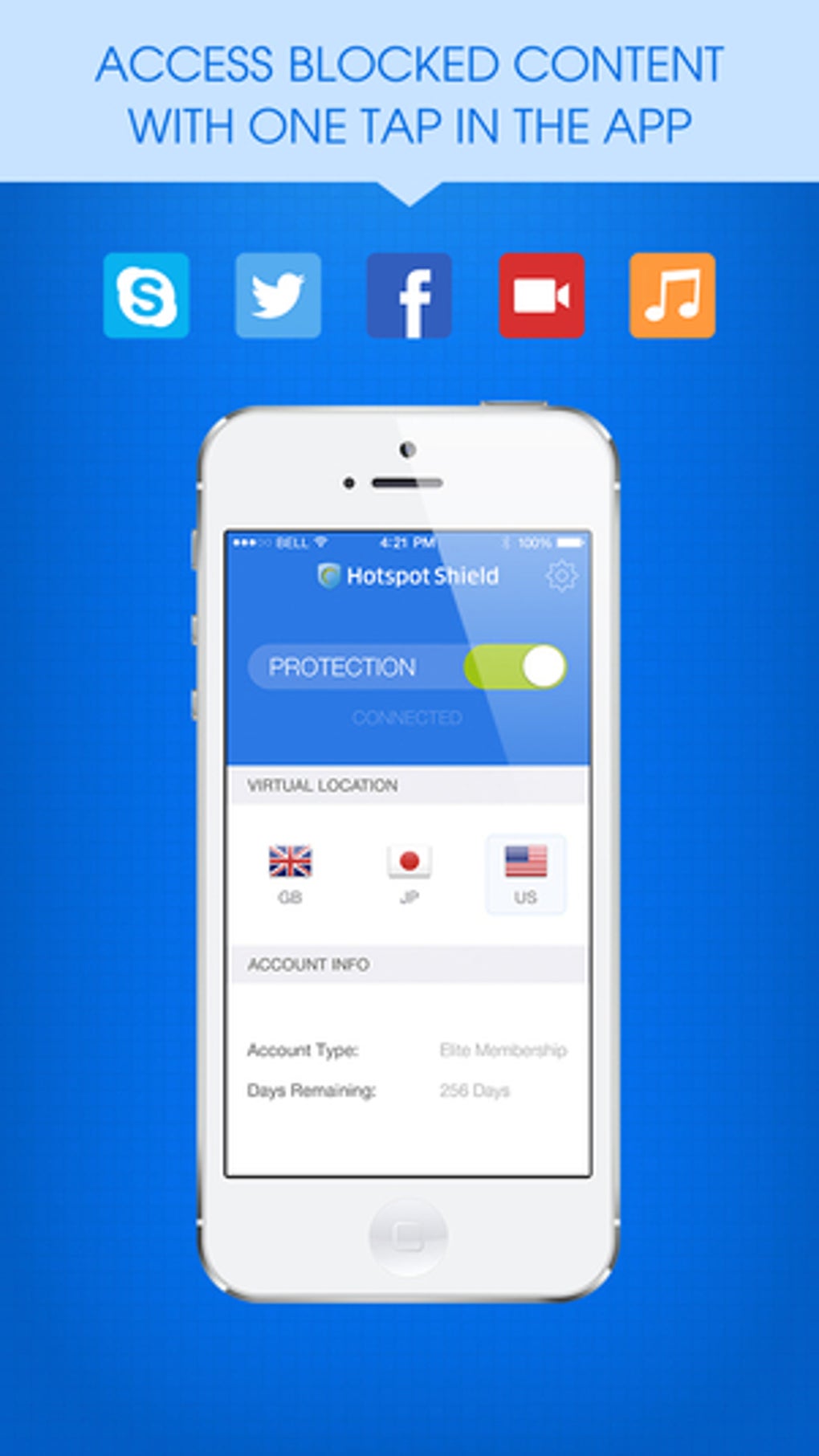
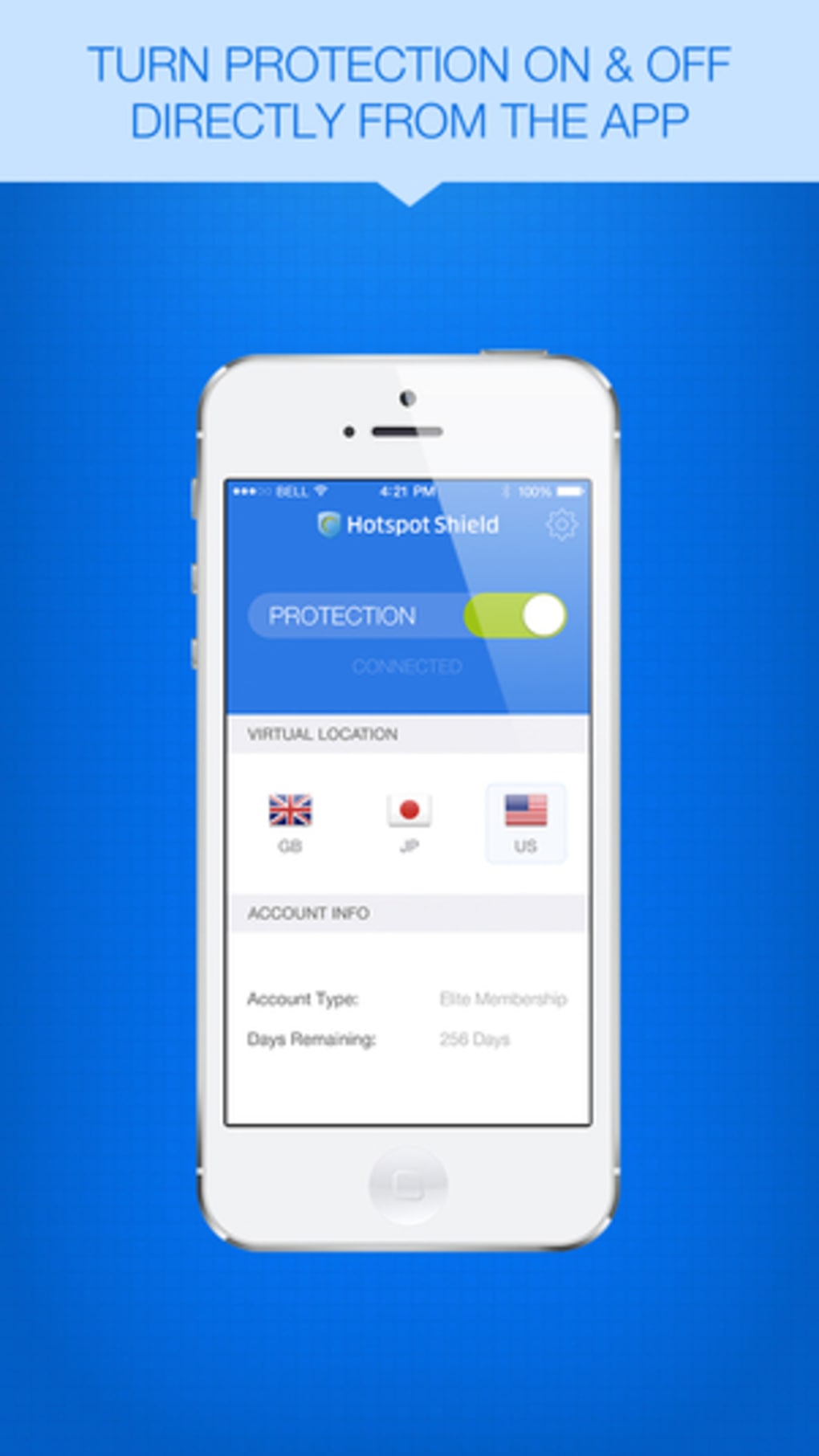
The user interface is consistent across platforms, featuring a clean, minimalist design with intuitive navigation. On desktop and mobile devices, the main screen displays a prominent central power button for quick connection initiation. A timer appears on the button during active sessions, and the connected server location is clearly indicated. Users can expand a dropdown menu to view available server locations, with a world map visualization highlighting active regions. The interface allows for easy switching between servers and disconnection via a simple ‘STOP’ button. On iOS, additional tools such as battery optimization, junk file cleanup, and malware scanning are accessible through a horizontal scrollable panel, enhancing device performance beyond core VPN functionality.
Workflow efficiency is high, especially for users seeking rapid setup and immediate protection. The application launches quickly after installation and establishes connections with minimal delay. Performance observations are based on general software behavior patterns. The developer did not specify resource usage details. Stability is maintained across supported platforms, with no reported crashes or frequent disconnections in standard use. However, the kill switch is not enabled by default, requiring manual activation to ensure continuous protection.
Compatibility & System Requirements
HotspotShield VPN Wifi Proxy is compatible with Windows, Mac, Android, iOS, Linux, Amazon Fire TV, Android TV, and Apple TV operating systems. The software is available as a desktop application, mobile app, and browser extension for Google Chrome. Installation size is 150 MB, which is moderate for a full-featured security tool. The application supports both physical and virtual server locations for connection purposes. Exact system requirements were not listed. Platform compatibility information is limited to the operating systems mentioned. The developer did not provide additional system requirements. Users should ensure their device meets standard modern computing specifications to run the software smoothly.
Pros and Cons
Pros
- Fast connection speeds due to proprietary Hydra protocol
- Strong encryption with AES-256 and AES-128 standards
- Available on multiple platforms including desktops, mobile, and smart TVs
- Includes a kill switch to prevent IP leaks
- Free version offers generous daily bandwidth for casual use
Cons
- Free version logs personal data including location, device identifiers, and carrier info
- Only U.S.-based servers available on the free plan
- Streaming and torrenting features restricted to premium users
- Not available on all platforms in the same feature set
- Requires credit card for trial, and no anonymous payment option
FAQ Section
Is HotspotShield VPN free to use?
Yes, HotspotShield VPN offers a free version with limited features. The free plan includes access to U.S.-based servers, basic encryption, and a daily bandwidth allowance. Additional features such as international server access, streaming unblocking, and P2P support require a premium subscription.
Can I use HotspotShield on my Windows or Mac computer?
Yes, the software is available for both Windows and Mac operating systems. It can be downloaded and installed as a desktop application for full system protection.
Does HotspotShield log my online activity?
While the company claims not to log IP addresses or device identifiers in combination with browsing activity, the free version collects personal data such as city location, IMEI, MAC address, and wireless carrier name. This information may be used to identify users, even if individual sessions are anonymized.
Is the kill switch enabled by default?
No, the kill switch feature is not enabled by default. Users must manually turn it on in the settings to ensure continuous protection in case of connection drops.
Can I use HotspotShield on my router or smart TV?
Yes, the software supports integration with routers and smart TVs. Step-by-step guides are available on the support site for manual configuration on non-native platforms.
Final Thoughts + CTA
HotspotShield VPN Wifi Proxy stands out as a fast, accessible free security tool with strong performance and broad platform support. Its proprietary Hydra protocol delivers one of the fastest connection speeds in the market, making it ideal for streaming and downloading. While the free version offers solid functionality for light users, privacy concerns arise due to data logging practices and limited server access. The premium tier unlocks full features, including international servers, streaming unblocking, and enhanced privacy. However, the lack of anonymous payment and mandatory credit card input for trials may deter some users. Overall, it is a strong choice for those prioritizing speed and convenience over maximum privacy. For users seeking a reliable, fast, and free desktop security solution, HotspotShield delivers a compelling experience. Download HotspotShield VPN Wifi Proxy now.







